


You’ve double-booked the dentist and a work call. You remembered the school bake sale at 11pm. Your partner thought you were handling pickup. Sound familiar? You don’t have a memory problem. You have a systems problem. And the fix is simpler than you think.
Why Your Current System Is Failing You
Most family calendars fall apart because they’re fragmented: one person’s phone, a whiteboard, and someone’s mental load, none of them talking to each other. Research backs this up: calendar conflicts rank among the top sources of everyday family stress. The solution isn’t to try harder. It’s to build a better system.
The Three Things Every Good Family Calendar Needs
Visibility: Everyone can see it, and it’s somewhere you actually look. Whether that’s a shared digital calendar or a physical board in the kitchen, it has to be front and center. 

Comprehensiveness: One place for everything. School events, work commitments, sports schedules, medical appointments, meal plans. If it’s split across multiple apps or notebooks, you will drop something.
Accessibility: Every family member who needs to can both view and update it. A calendar only mom manages is a mental load only mom carries.
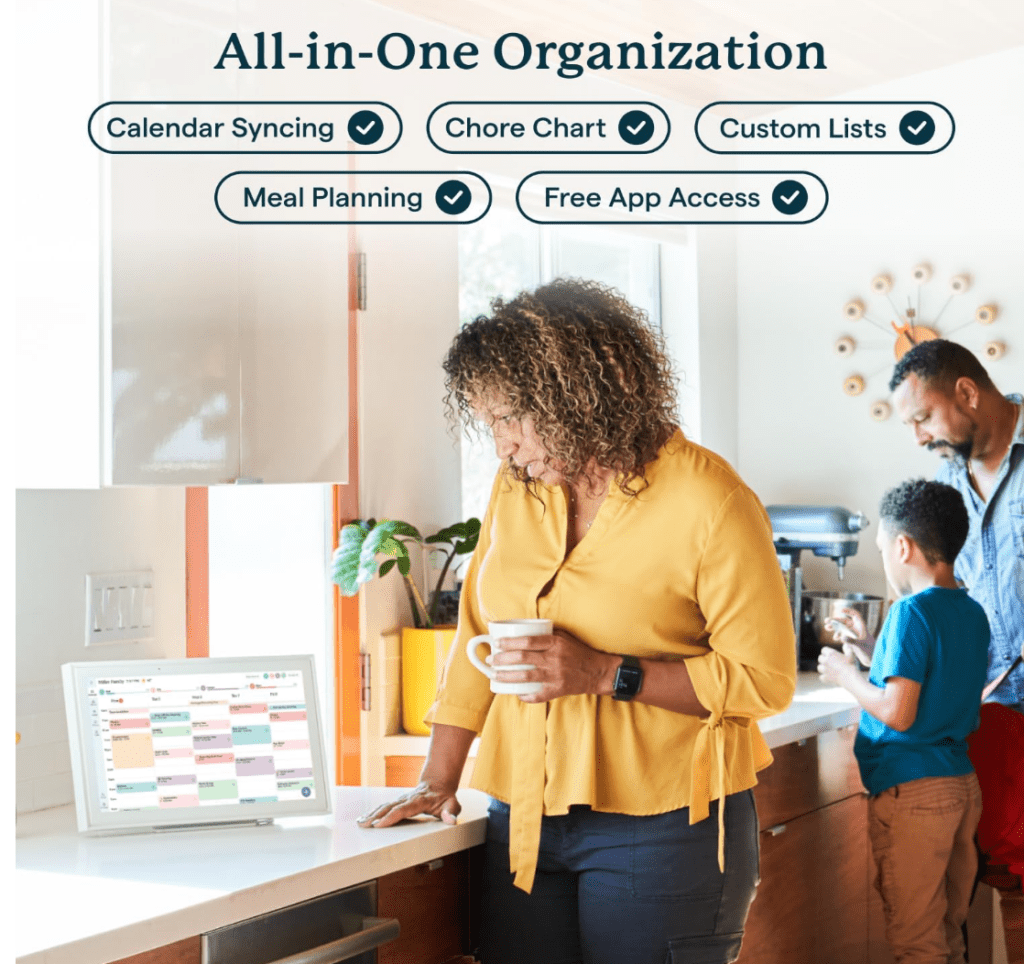

Digital Options Worth Knowing
Google Calendar is the workhorse for most families. Free, shareable, color-coded by person, and works across every device. It’s the easiest choice for tech-comfortable households.
Cozi Family Organizer is built specifically for families and adds grocery lists, meal planning, and weekly agenda emails all in one place. Great if you want more than just scheduling.
Apple Calendar is seamless if everyone in your house is on Apple devices, with Siri integration for hands-free updates and location-based reminders.
The best app is whichever one your whole family will actually use. A perfect system nobody follows is useless.
When Paper Still Wins
Don’t underestimate a physical command center calendar in a high-traffic spot. Kids interact with it better than a phone screen. It never needs charging. And for visual families, seeing the week laid out on the wall creates genuine calm. Whiteboards are especially great for frequently shifting schedules: easy to update, impossible to miss.

Many families do best with a combination: digital for syncing on the go, physical for the whole family to see at home.
Get the Kids Involved (By Age)
Preschoolers can follow picture symbols and simple visual countdowns. Elementary-age kids can check the calendar daily and add their own events with supervision.
Tweens can manage their own entries and participate in weekly planning conversations. Teens should be responsible for their own schedule while still staying connected to the family system.
Involving kids age-appropriately teaches time management and reduces the burden on you.
The Habits That Make It Stick
A calendar only works if you maintain it. That means a 5-minute morning check of the day’s events, a quick evening look at tomorrow, and a 15 to 20 minute weekly family review where everyone gets on the same page. Add a monthly scan for upcoming conflicts and you’ll almost never be caught off guard.
This small investment of time saves hours of stress.
Connect Your Calendar to the Rest of Your Life
The most effective family systems link scheduling to everything else: meal planning tied to evening activities, errands clustered by route, chores aligned with who’s home when. When your calendar reflects your whole life, not just your appointments, it becomes a genuine tool for reducing mental load rather than adding to it.
Start with your biggest pain point. Get one system in place, make it a habit, then build from there. Progress beats perfect every time.